
The previous lesson was about what a match means. This one is about the controls on the page. It describes only what the published tool does.
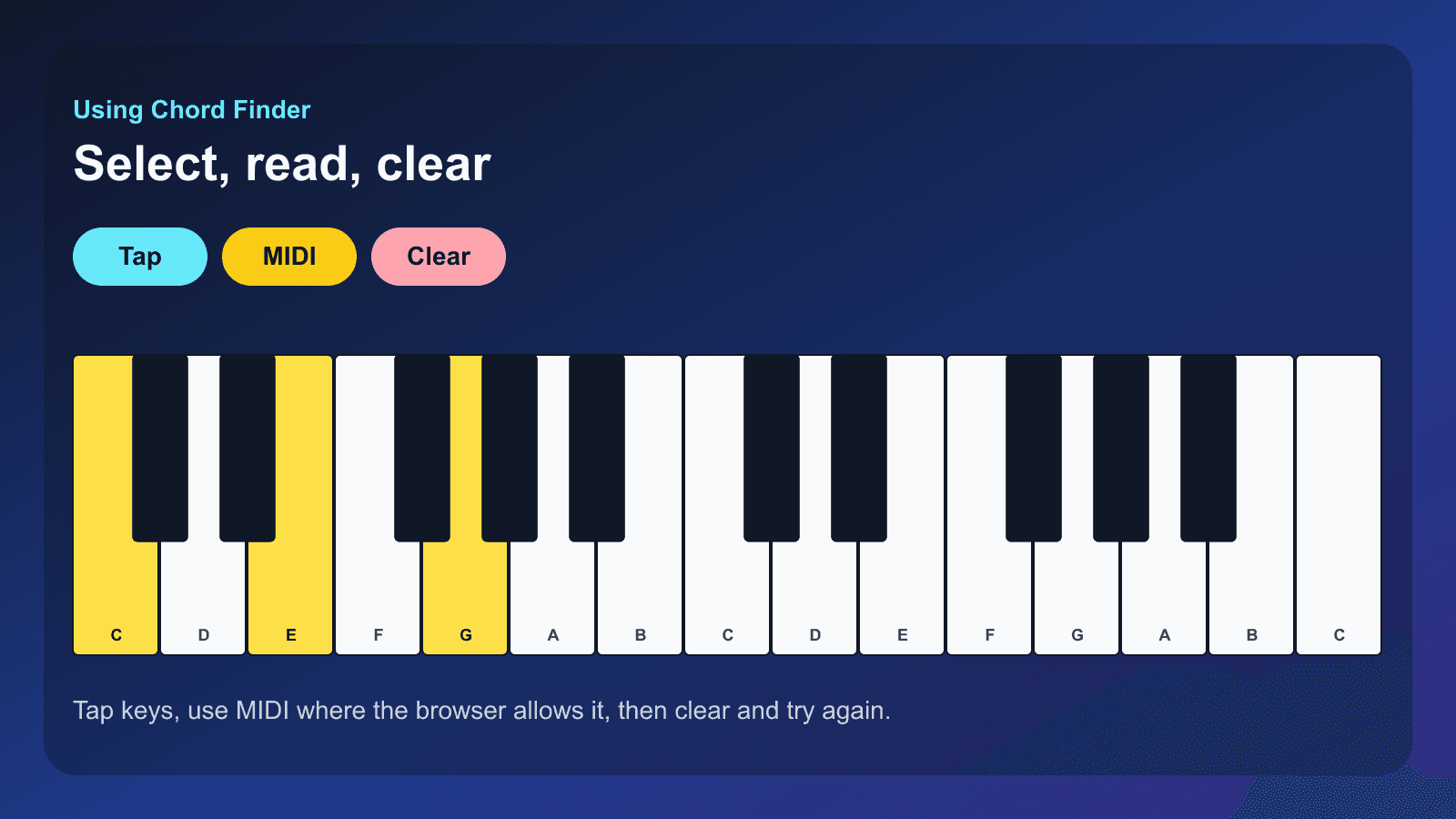
Try the same matching the Chord Finder uses
Tap at least two notes. The name is identifyChords, limited to one octave of buttons. Sharp labels on the buttons are the key names; the chord symbol is the match.
C Major · C
Three ways to choose notes
Tap the on-screen piano. At least two notes are required. You can also pick one of the examples on the tool. In a browser that supports Web MIDI, Connect MIDI keyboard accepts notes from a plugged-in keyboard. If the browser does not support Web MIDI, the tool says so and the on-screen piano still works.
The compact demo below is the same matching function on one octave of buttons. It is not a second finder. Clear a note by tapping it again.
Read the result, then hear it
The result names the chord, the symbol, and, when the bass note makes it an inversion, the inversion. Hear plays that match. It does not start Go Practice or a timer.
Clear notes empties the selection so the next chord does not keep a leftover key. Use it every time you mean to start over.
Where the result can take you
The full tool links a matched chord to its reference page. Chord Explorer is the place to see the same chord type across a keyboard and hear it outside the finder. The finder does not transpose a song or build a progression.
Why the same notes can have different names is what to read when the result list has more than one row.
Start practicing piano chords with Looty Chords
Begin your free trial, compare plans, or read answers to common questions about chord practice and MIDI setup.