
You already played three notes. The remaining job is the name. Chord Finder compares the pitch classes you selected with the chords in the library, including inversions, and returns the matches it can support.
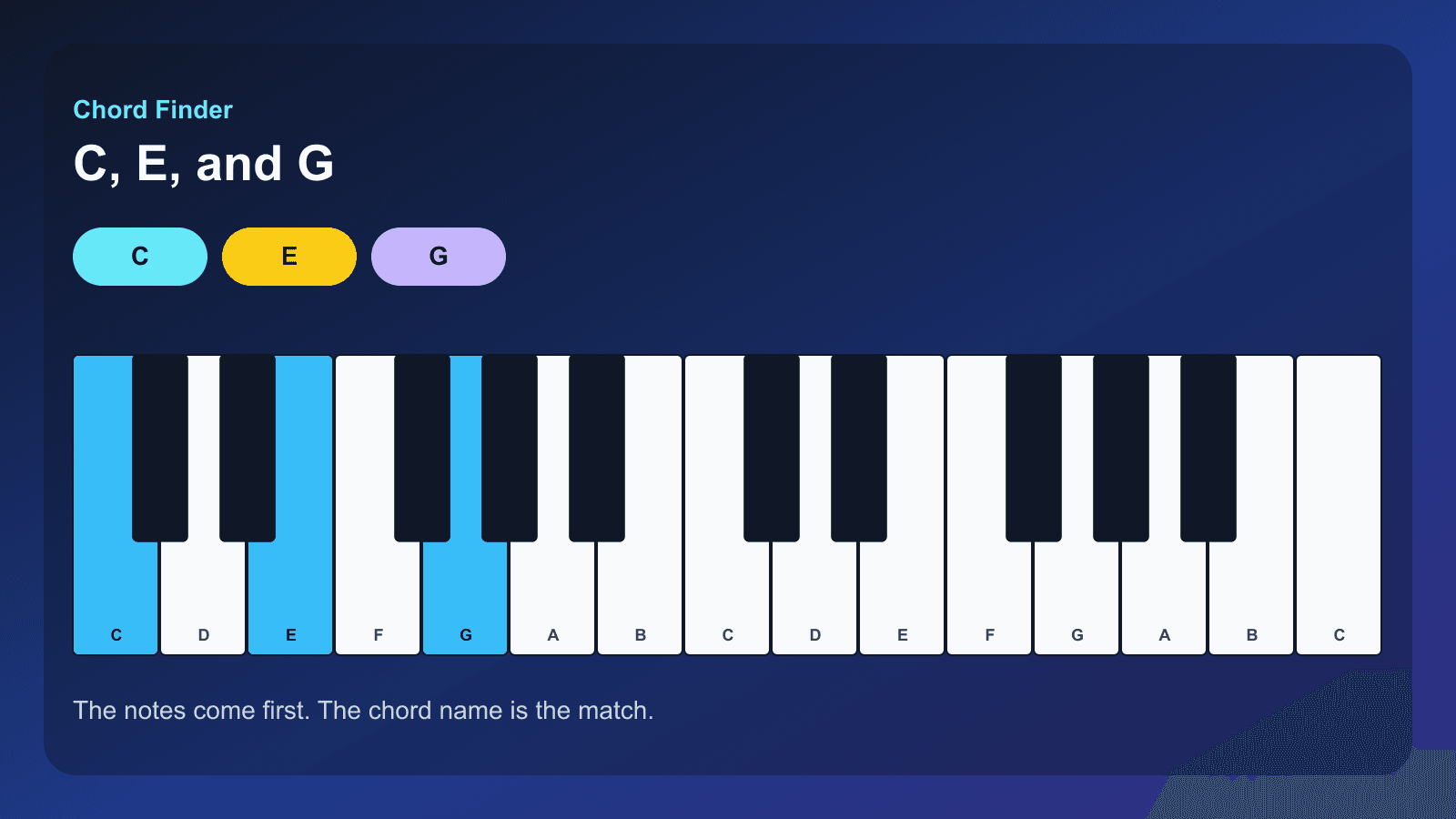
Try the same matching the Chord Finder uses
Tap at least two notes. The name is identifyChords, limited to one octave of buttons. Sharp labels on the buttons are the key names; the chord symbol is the match.
C Major · C
Start from the notes, not the name you hope for
Write down the keys you actually held. C, E, and G are C major in root position. C, E♭, and G are C minor. The compact demo on this page selects notes and shows the name identifyChords returns. If you expected a different name, change a note and look again before you argue with the result.
Two notes are enough for the tool to search. A single note is not a chord in this library.
Spelling still matters
E♭ and D♯ are the same piano key. They are not always the same chord tone. C minor uses E♭ as its third. The full Chord Finder spells the result from the chord it matched. The compact demo’s buttons label the black keys with sharps, so the D♯ / E♭ key is one button. The matched chord name is the authority, not the button’s sharp label.
Context matters when several library chords fit. The last lesson in this group is about those multiple names.
After you have a name
Chord Explorer shows that chord on a keyboard you can hear. The chord’s reference page is linked from the full Chord Finder result. How intervals build chords explains the third that made it major or minor.
This page is the theory of naming notes. The next page is the tour of the tool’s controls.
Start practicing piano chords with Looty Chords
Begin your free trial, compare plans, or read answers to common questions about chord practice and MIDI setup.