
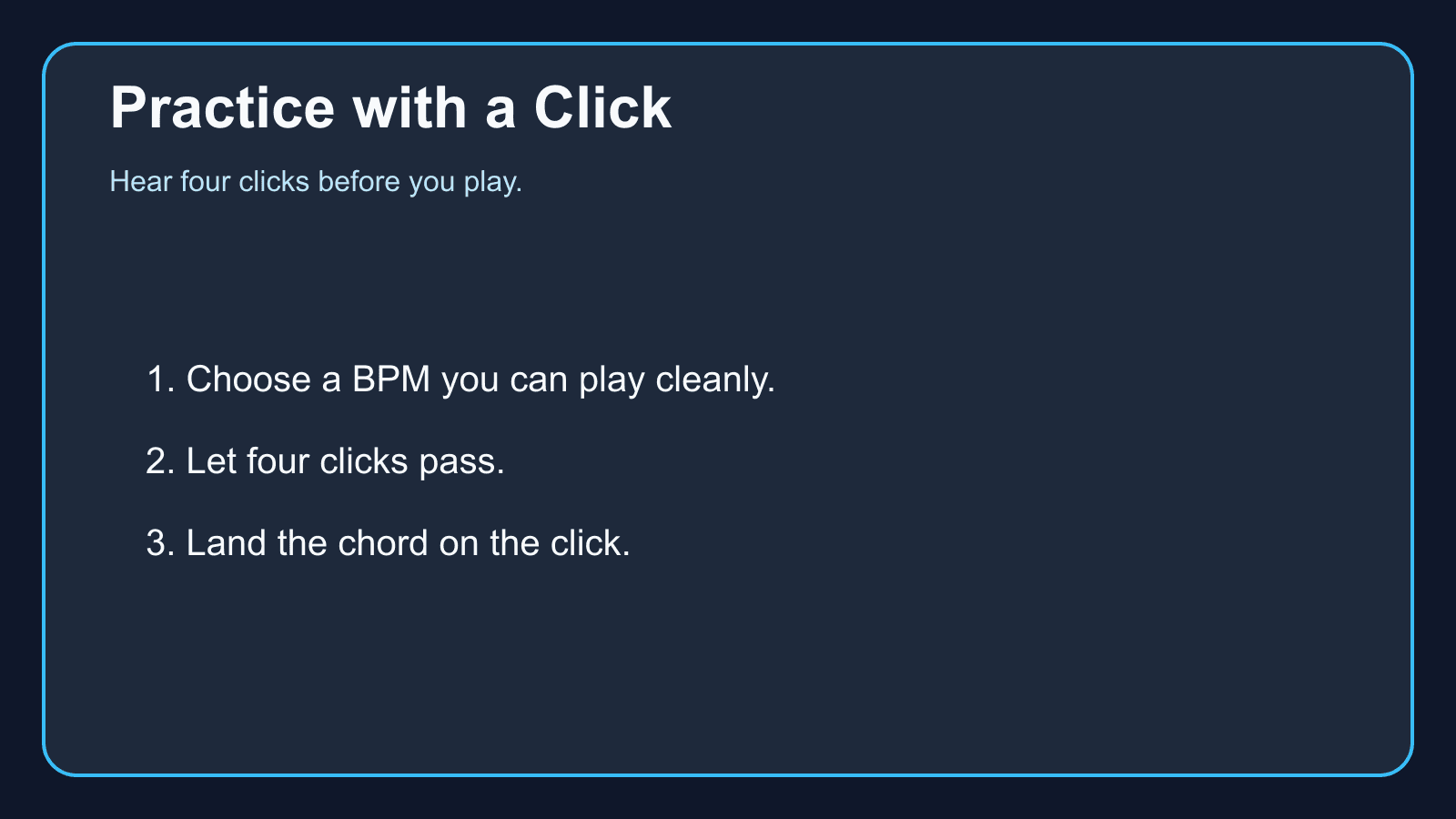
A metronome makes the beat audible. It does not choose your chords or your rhythm. You choose a BPM, you count at least one bar, and you play so that the notes you care about meet the click.
Tempos you can set
The Rhythm Trainer accepts 40 to 200 BPM. These presets are the same numbers:
- 60Beginner
- 80Easy
- 100Normal
- 120Fast
Pick a BPM you can already play
If clean quarter-note chords fall apart at 100, practice them at 60 or 80. Those are the trainer’s Beginner and Easy presets, and they are sensible starting clicks on the metronome too. Raising the number before the slower tempo is clean just makes the misses more frequent.
One chord on each click is enough for a first session. You are checking that your hands and the click agree.
Hear the click before you play
Let at least four clicks pass before the first chord. Those clicks are the count-in. Playing on the first click you hear is how the entrance comes out early or late.
Go Practice uses a four-click count-in and then moves the chord when the downbeat is heard. The metronome page is the same idea when you are not in a practice session: the click runs, you enter after you have heard the pulse.
Give the click one job
Do not add a new chord, a new inversion, and a faster tempo in the same five minutes. Keep the chords and the rhythm, and only then change the BPM.
When the click is reliable, How to Increase Practice Speed is the next lesson. Rhythm for chord changes is the counted pattern underneath it.
Start practicing piano chords with Looty Chords
Begin your free trial, compare plans, or read answers to common questions about chord practice and MIDI setup.