
If you searched for a piano chord app, you probably want one clear outcome: play the chords in real songs, in any key, without freezing between changes. The best apps focus on chord shapes, timing, and repetition across keys—not generic piano coursework. Looty Chords is built around that goal.
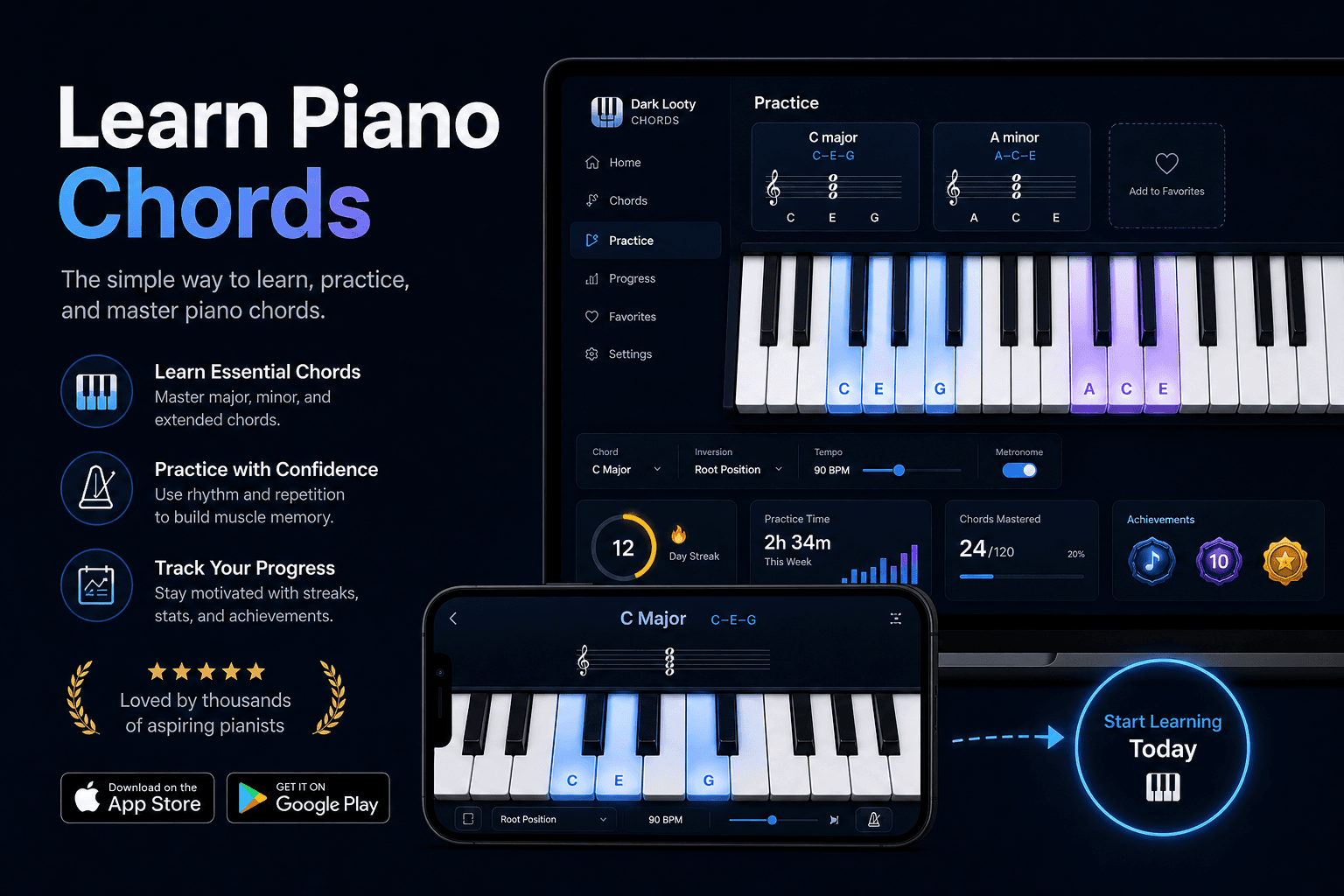
What a Piano Chord App Should Help You Do
A useful piano chord app shows you which chord to play, asks you to play it on time, and mixes up the order so you learn shapes—not memorized sequences. It should work in the keys you actually need for songs, not just a single beginner key forever.
Timing matters as much as finger placement. A built-in metronome turns practice into rhythm training, which is what chord charts demand in the real world.
Progress visibility helps you stay consistent. When you can see improvement in a key, it is easier to commit to daily sessions instead of guessing whether you are getting better.
For a deeper look at how online training works, read our Online Piano Chord Trainer guide.
How Looty Chords Helps You Practice
Looty Chords runs in your browser. You choose a key, see chord prompts on screen, and play along with the metronome. The interface stays focused on chord names and keyboard diagrams so you always know the target.
Practice sessions use randomized chord order within the key you selected. That randomness is intentional—it mirrors how songs jump between chords unpredictably.
You can also open the interactive chord reference to study notes, intervals, and shapes before or during practice.
Explore chord shapes anytime on the Piano and Guitar Chords page.
Practice One Key, Then All 12 Keys
Looty Chords teaches seven essential chord types in each major key. During your free trial you focus on one key of your choice. That keeps early practice manageable while you build real muscle memory.
When the first key feels automatic, you unlock additional keys and repeat the same training process. Across all twelve keys that is eighty-four total chords—learned sequentially, not all at once.
See the long-term plan in Piano Chords in All 12 Keys.
Why Random Drills and Repetition Matter
Practicing chords alphabetically feels productive but creates a hidden crutch: your hands learn what comes next instead of learning each shape independently.
Random prompts force your brain to map chord names to hand positions directly—the same skill chord charts require.
Short daily repetition beats occasional marathon sessions. Fifteen to thirty focused minutes with a metronome typically outperforms one long weekly practice.
For session structure ideas, see How to Practice Piano Chords.
MIDI Keyboard Support
Looty Chords supports USB MIDI keyboards in compatible browsers. Connect your digital piano or controller and practice the same on-screen prompts on real keys.
MIDI practice bridges the gap between watching diagrams and playing confidently on your instrument. You still follow Looty Chords timing and chord order—the app does not replace your keyboard, it coaches your practice on it.
Who the App Is For
Beginners who want to play songs from chord sheets without years of notation study.
Self-taught players who know some chords but never organized practice across all keys.
Singers, worship musicians, and hobbyists who need reliable accompaniment shapes.
Returning pianists who want a structured chord workout instead of unfocused playing.
Start Practicing
Create an account, start the seven-day free trial, and pick your first key. Open Practice Mode, set a comfortable metronome tempo, and work through randomized chord prompts until changes feel steady.
Review everything included in Piano Chord Learning Features, compare plans on Pricing, then launch Practice Mode when you are ready.
Try Looty Chords as your piano chord app
Start the free trial, practice chords in your first key, and expand to all twelve when you are ready.