
The Rhythm Trainer has two practice types: Rhythm Reading and Drum Beats. For a first rhythm practice, stay on Rhythm Reading. It shows the notation, speaks the count, and can score your taps.
Rhythm Reading exercises
These titles and descriptions are the trainer’s own 4/4 reading exercises.
- Quarter NotesFour steady quarter notes in each bar. Count 1 2 3 4.
- Half NotesTwo half notes per bar. Each note lasts two beats.
- Whole NotesOne whole note per bar, held for all four beats.
- Quarter RestsPlay the notes and stay silent on the rests.
- Paired Eighth NotesEven eighth notes. Count 1 & 2 & 3 & 4 &.
- Quarters and EighthsMix a quarter note with a pair of eighths.
- Eighth RestsShort silences between eighth-note attacks.
Three ways to practice one exercise
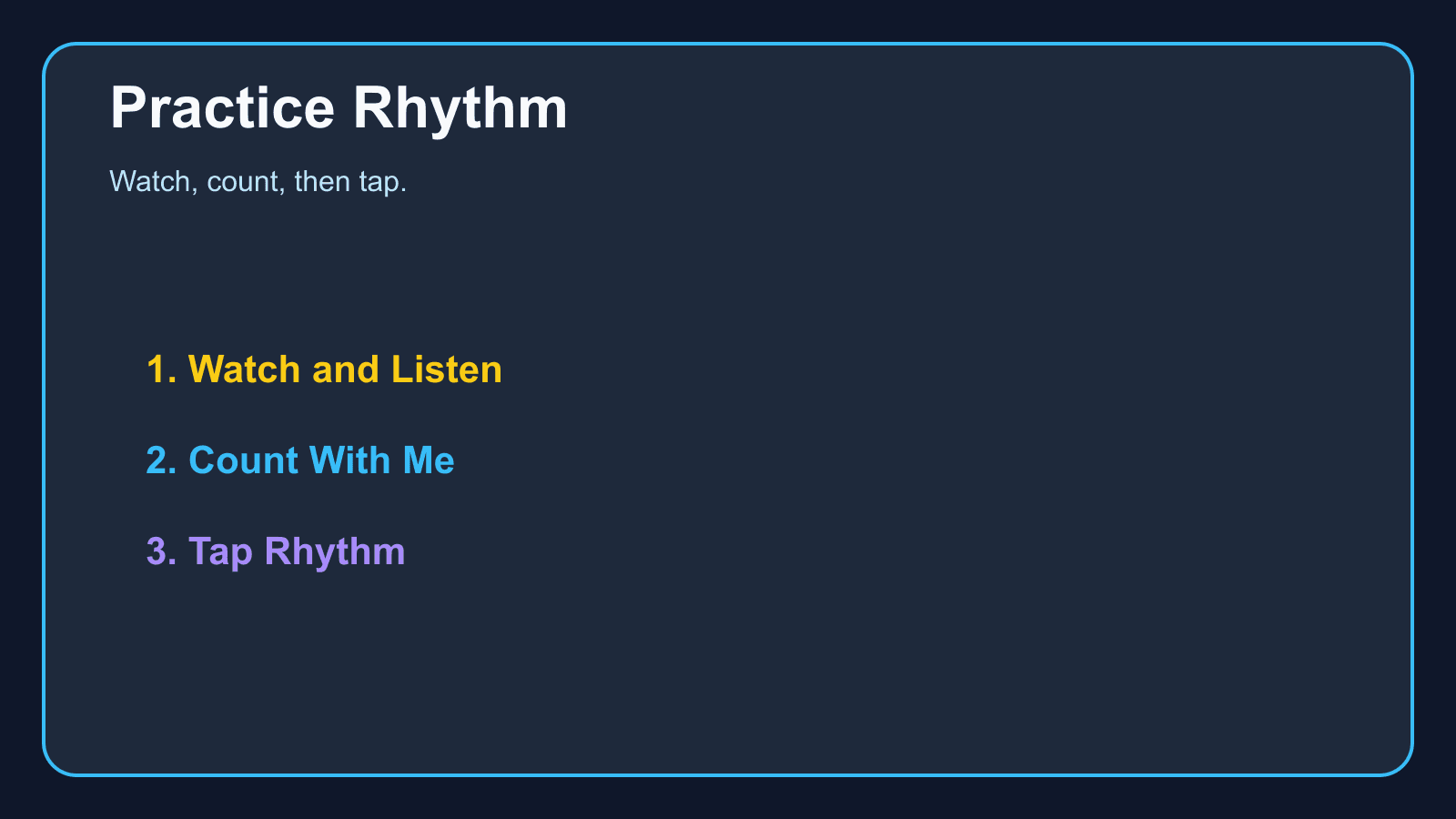
Watch & Listen shows the notation and plays the rhythm. Count With Me adds the beat syllables under a moving playhead. Tap Rhythm asks you to tap when each note reaches the playhead. A tap within 50 milliseconds is Perfect. Within 150 milliseconds it counts as early or late. Anything else is missed.
Those windows do not change with tempo. A fast tempo does not give you a wider target.
Which exercise to open first
Start with Quarter Notes at the exercise’s own tempo. Then Half Notes, Whole Notes, and Quarter Rests. Paired Eighth Notes comes after the quarter-note beat feels even. The trainer lists these under Rhythm Basics and Eighth Notes.
Drum Beats are a second practice type. They are not required for this lesson.
Keep the tempo honest
The trainer’s tempo runs from 40 to 200 beats per minute. Beginner, Easy, Normal, and Fast presets are 60, 80, 100, and 120. If taps turn into misses, drop a preset rather than repeating the same miss.
The metronome is the tool when you only want a click. The trainer is the tool when you want notation and a count.
Start practicing piano chords with Looty Chords
Begin your free trial, compare plans, or read answers to common questions about chord practice and MIDI setup.