
Choosing a key is a practical decision: how many accidentals you want to read, which chords you already know, and where the melody sits. The circle makes that comparison visible.
Compare starter keys
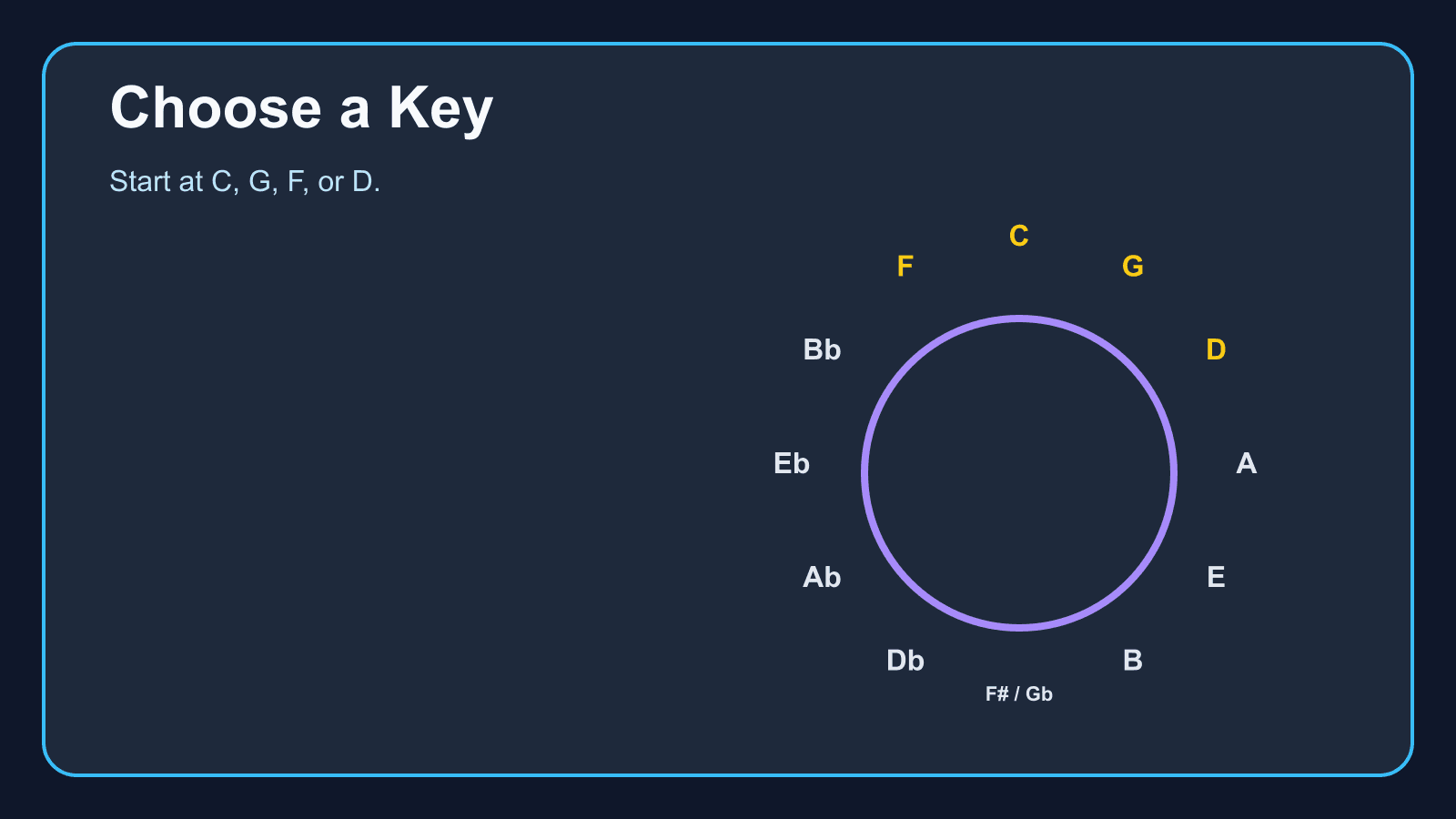
C, G, F, and D stay within two accidentals. Select one, then open the tool for its chords.
C: No sharps or flats.
Start near C if the signature is the hard part
C has no sharps or flats. G, one step clockwise, has one sharp. F, one step the other way, has one flat. D has two sharps. Those four are the usual first keys on this site because the signatures stay small.
A key farther around the circle is not a better key. It is only a key with more accidentals. Pick it when the song asks for it, not because it looks advanced.
Move one step when you want a close key
Neighboring major keys share most of their notes. If a song in C feels too high or too low, G or F is a smaller change than jumping to a key on the far side of the circle.
After you pick a key, the Circle of Fifths shows its scale notes and diatonic chords. Learn Piano Chords by Key is the practice follow-up.
The circle does not choose the song’s key for you
A singer’s range, a recording, or a chord chart can fix the key before you look at the circle. Use the circle to understand that choice and to find a nearby option when you are allowed to transpose.
This page is about choosing. The introduction to the circle, and the page about neighboring and relative keys, answer different questions.
Start practicing piano chords with Looty Chords
Begin your free trial, compare plans, or read answers to common questions about chord practice and MIDI setup.