
Slow chord changes are one of the most common frustrations for piano players. You know the shapes individually, but moving between them feels clumsy. The good news: switching speed is a trainable skill. With the right focus on hand position, anticipation, and targeted pair practice, your transitions can get noticeably faster within weeks.
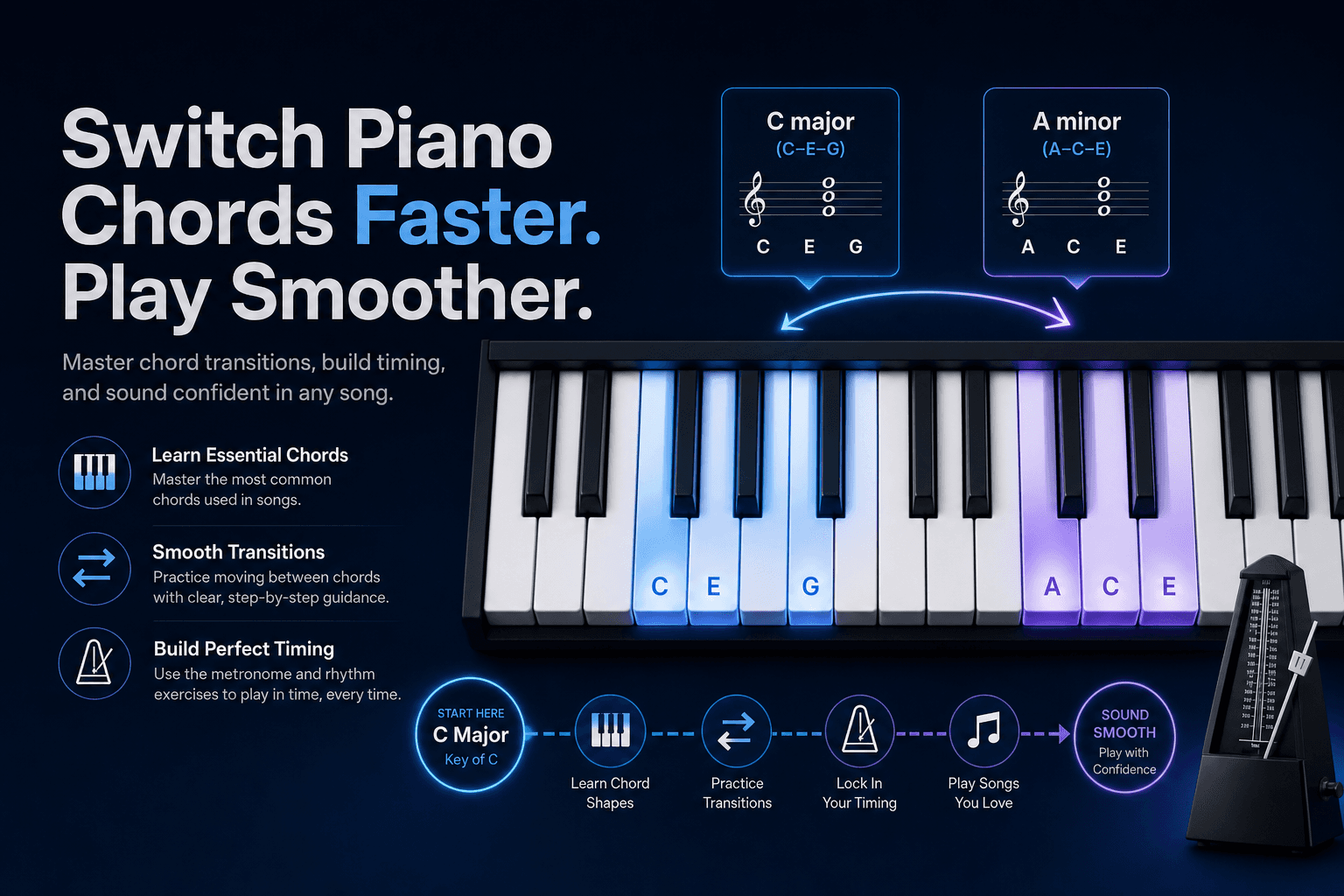
Faster Does Not Mean Rushing
True speed is clean changes at a higher tempo. Rushing means sacrificing accuracy—missing notes, landing late, or collapsing hand shape. Players who rush early often hit a ceiling because their fingers learned imprecise paths.
Build speed on a foundation of slow, accurate practice. If you cannot play a transition cleanly at 60 BPM, 90 BPM will only magnify the problem.
For broader practice habits, read How to Practice Piano Chords before focusing specifically on transition speed.
Improve Hand Position and Finger Economy
Efficient chord changes use small movements. If your hand lifts far off the keys between chords, you lose time and accuracy. Keep fingers curved and close to the keyboard, moving only what needs to move.
Look for common tones—notes shared between two chords. If C major (C, E, G) moves to Am (A, C, E), your C and E fingers might stay put while only one finger shifts. Pivoting on shared notes is faster than lifting the entire hand.
Practice slowly enough to notice your hand position. Watch for tension in your wrist and shoulders—relaxed hands move faster than tight ones.
Anticipate the Next Chord
Hesitation often comes from deciding the next shape at the moment you need to play it. Fast players see the next chord symbol one beat early and begin forming the shape before the change arrives.
During practice, say the next chord name aloud before you play it. That verbal cue trains anticipation until it becomes automatic.
In Looty Chords, random prompts force you to prepare quickly. Over time, your eyes read the symbol and your hands begin moving without conscious thought.
Practice Transitions in Pairs
General random drilling builds overall fluency, but pair practice targets specific weak links. Identify the two chords that slow you down—Dm to G, or F to C—and loop only that transition for several minutes.
Pair practice is the fastest way to fix a stubborn change. Five minutes on one pair often does more than thirty minutes of unfocused playing.
The How to Practice Chord Changes guide covers pairing strategies in detail. Use Practice Mode for random drilling and save pair loops for your weak spots afterward.
Use the Metronome to Force Commitment
A metronome does not just keep tempo—it forces you to commit. If the beat arrives and you are still thinking, you learn to prepare earlier. Over time, that pressure builds the anticipation reflex you need for faster changes.
Increase tempo in small steps—three to five BPM at a time. Only bump up when an entire minute of changes stays clean at the current speed.
The Piano Chord Practice Routine and 15-Minute Piano Chord Practice Routine include metronome work in every session.
Speed Up Chord Recognition
Your hands can only move as fast as your brain identifies the symbol. If you still translate Am to note names before playing, recognition is the bottleneck—not finger speed.
Flash-card style practice helps: see a chord name, play it immediately. Looty Chords random prompts train exactly this—symbol to shape without a thinking pause.
Memorization techniques in How to Memorize Piano Chords reduce the gap between seeing a symbol and forming the shape.
Practice Changes in Progression Context
Songs move through progressions, not random chords. Practicing I–V–vi–IV loops trains the specific transitions that appear in real music—not just arbitrary pairs.
Once individual pairs feel fast, loop full progressions at tempo. The context adds musical memory on top of motor memory.
See the Chord Progressions guide for common patterns. Use the interactive Chords tool to confirm shapes in new keys as you expand beyond your first tonal center.
When you are ready for more keys, the Chords in All 12 Keys guide explains how to carry your transition speed into every tonal center.
Build faster chord changes
Explore chords visually with the interactive Chords tool, then build speed and accuracy in Practice Mode.